StoryWorld Form
The StoryWorld form captures worldbuilding information for your story. It provides a structured way to document the setting, cultures, history, and systems that make your fictional world consistent and believable.
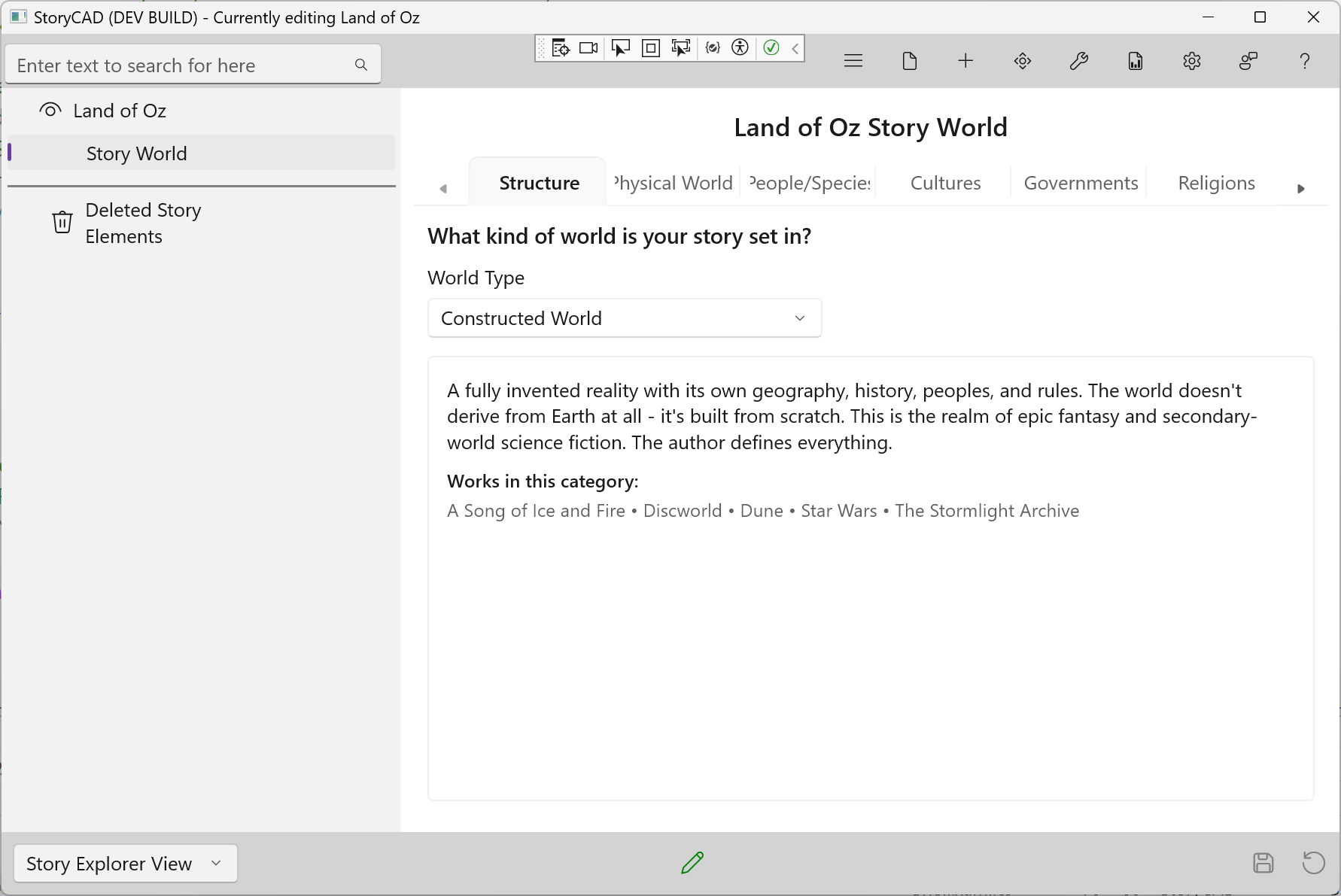
StoryWorld is optional—add it when your story benefits from organized worldbuilding. Unlike most story elements, only one StoryWorld can exist per story (like Story Overview).
When to Use StoryWorld
StoryWorld is valuable for:
- Fantasy and science fiction with invented worlds
- Mystery and thriller series set in specific milieus (a precinct, a law firm)
- Historical fiction requiring period accuracy
- Any story where setting details affect the plot
- Series where you want to maintain consistency across multiple books
Tabs
StoryWorld organizes worldbuilding into nine tabs:
| Tab | Purpose |
|---|---|
| Structure | World Type classification |
| Physical Worlds | Geography, climate, flora, fauna |
| People/Species | Inhabitants and their characteristics |
| Cultures | Values, customs, daily life |
| Governments | Political structures and laws |
| Religions | Belief systems and practices |
| History | Past events that shaped the world |
| Economy | Trade, currency, professions |
| Magic/Technology | Power systems and their rules |
Adding StoryWorld
To add a StoryWorld to your story:
- Select Add > Add StoryWorld from the menu, or
- Right-click in the Navigation Pane and select Add StoryWorld
StoryWorld appears as a top-level node in your story outline.
Sharing Across a Series
A StoryWorld can be shared across multiple novels in a series. Copy the StoryWorld from one story file to the next to maintain consistency and build on your worldbuilding investment.
For collaborative fictional worlds (like shared-universe anthologies), a shared StoryWorld document becomes the canonical reference that keeps all authors consistent.